I’m a command-line guy. If it doesn’t run in a 🖥️ terminal or get driven by a bash script, I usually avoid it. For years, my daily workflow revolved around gemini-cli, and recently the newer antigravity-cli (agy). I avoided desktop apps and GUI tools like the plague (with the only exception of vscode); a friend calls people like me BashOps — the opposite of the perfectly reasonable ClickOps folks who prefer GUIs.
But recently, I hit a wall.
This article series
As I scaled up my AI agent workflows—managing multiple concurrent coding agents, multi-turn stateful loops, and file changes—babysitting 6 to 12 terminal windows across six virtual desktops became a cognitive nightmare. This is the story of that failure, and the learnings that followed. It is a story in two parts:
- Part 1 (This Article): Trying to solve agent persistence programmatically via the Antigravity Managed Agents and
agyCLI, and encountering the crescendo of complexity. - Part 2: Hitting the CLI limit and stepping into the Antigravity 2.0 UI / Desktop app to orchestrate parallel local subagents safely with git worktrees.
- A part 3 is currently in my brain where I tell the story of how I conceived Ennio Morricone (greatest Italian conductor - see the analogy?)
agyCLI helper.
In this first part, we will explore how stateful remote sandboxes work under the hood using the Google GenAI SDK (antigravity-preview-05-2026), how to re-attach to container environments, and how to programmatically retrieve your agent workspace.
This first part builds on the foundation laid out in Romin Irani’s excellent Antigravity Managed Agents Tutorial and Phil Schmid’s deep dive into how Managed Agents work under the hood . I spent a day playing around with Romin’s article code ideas, customizing them to my own setups, and this article is the output of those experiments. While their articles focus on the architectural and hosted aspects of managed agents, we will look at how a developer can drive stateful remote sandboxes programmatically to build automation loops directly from a local terminal shell.
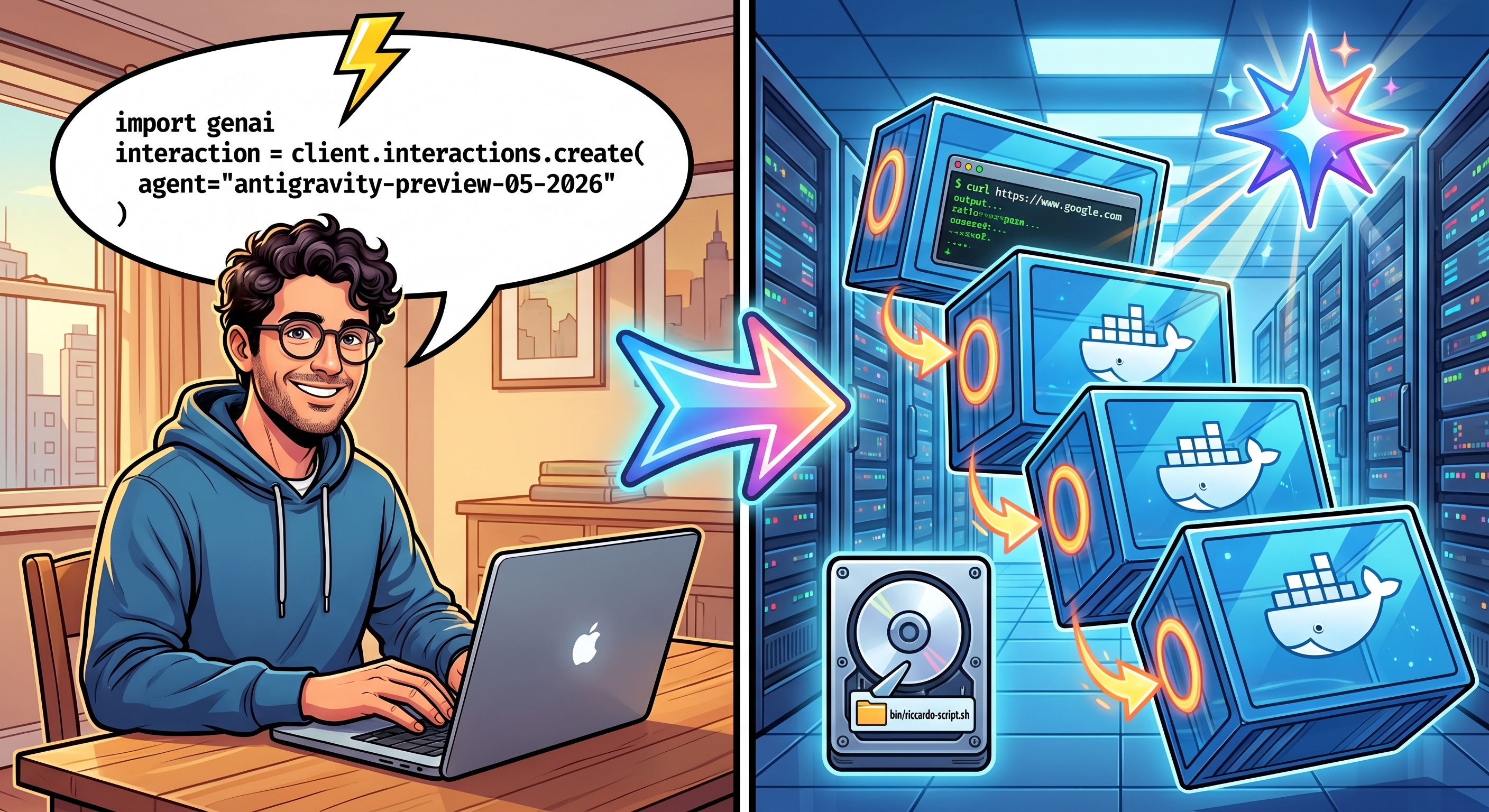
Antigravity Agents: a Stateful delight
In a traditional agent API interaction, each call is stateless. You send a prompt, the agent responds, and the workspace disappears. If you want the agent to edit a file it created in a previous turn, you have to pass the entire file content back and forth in the prompt context. This consumes tokens, increases latency, and makes multi-turn code generation slow and expensive.
The Google Antigravity SDK solves this with Stateful Remote Sandboxes. When you run an agent with the environment parameter set to "remote", the SDK:
- Provisions a private, secure Ubuntu container (sandbox) on Google Cloud.
- Runs the agent inside that container.
- Keeps the container alive and returns an
environment_id. - Allows subsequent API calls to re-attach to the same container, inheriting the exact filesystem state.
You don’t believe me? Let me show you the code (heavily inspired by Romin’s article ).
The SpaceX IPO Analyzer: Python Orchestration
To demonstrate this capability, let’s write a Python script that orchestrates a stateful, multi-turn agent session.
A few days back, SpaceX made the news as the biggest IPO in history, making Elon Musk the first Trillionaire in
history (Reuters, June 2026
). Everyone is thinking: should I buy? Should I not? Let’s put Gemini to the test.
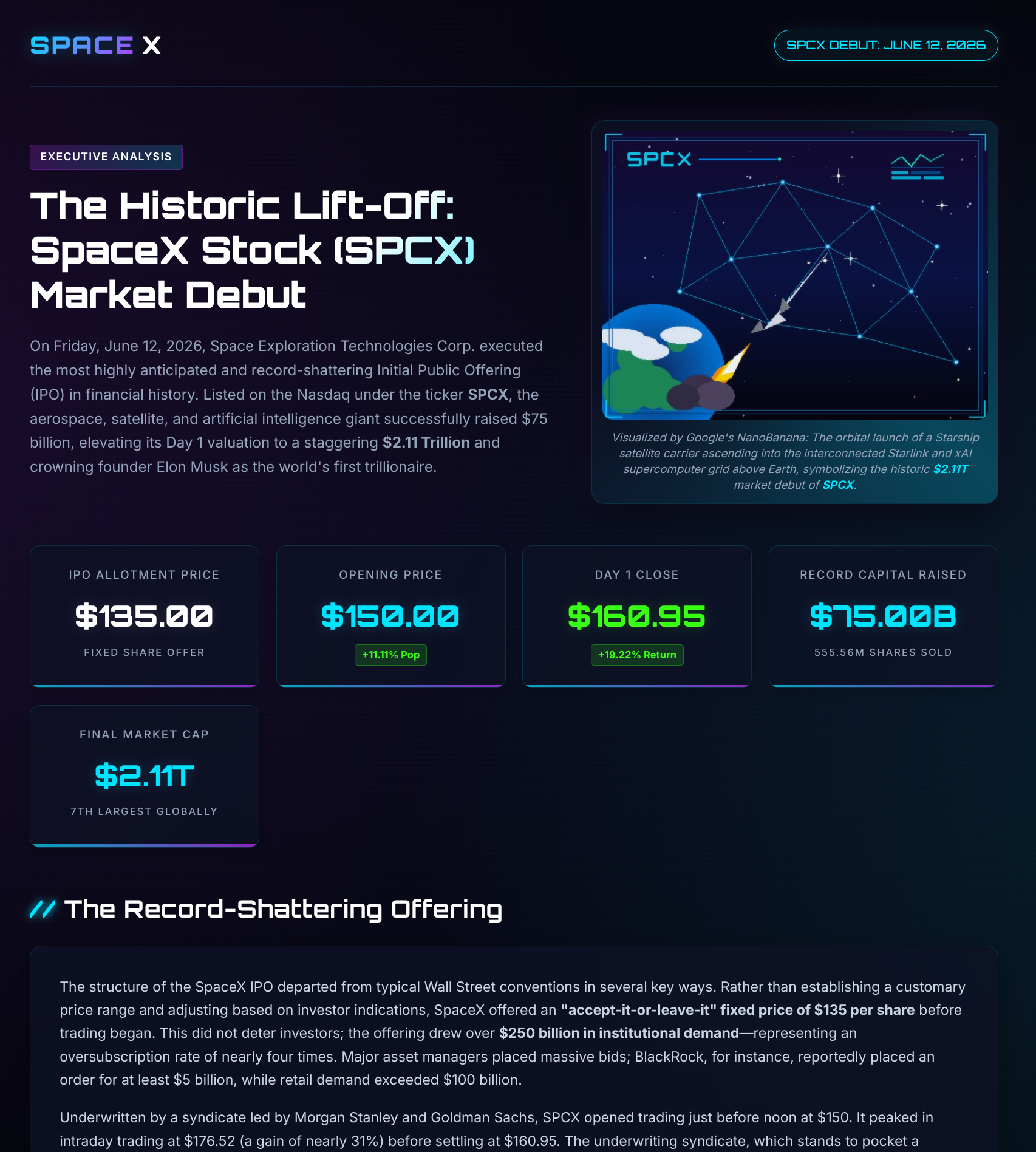
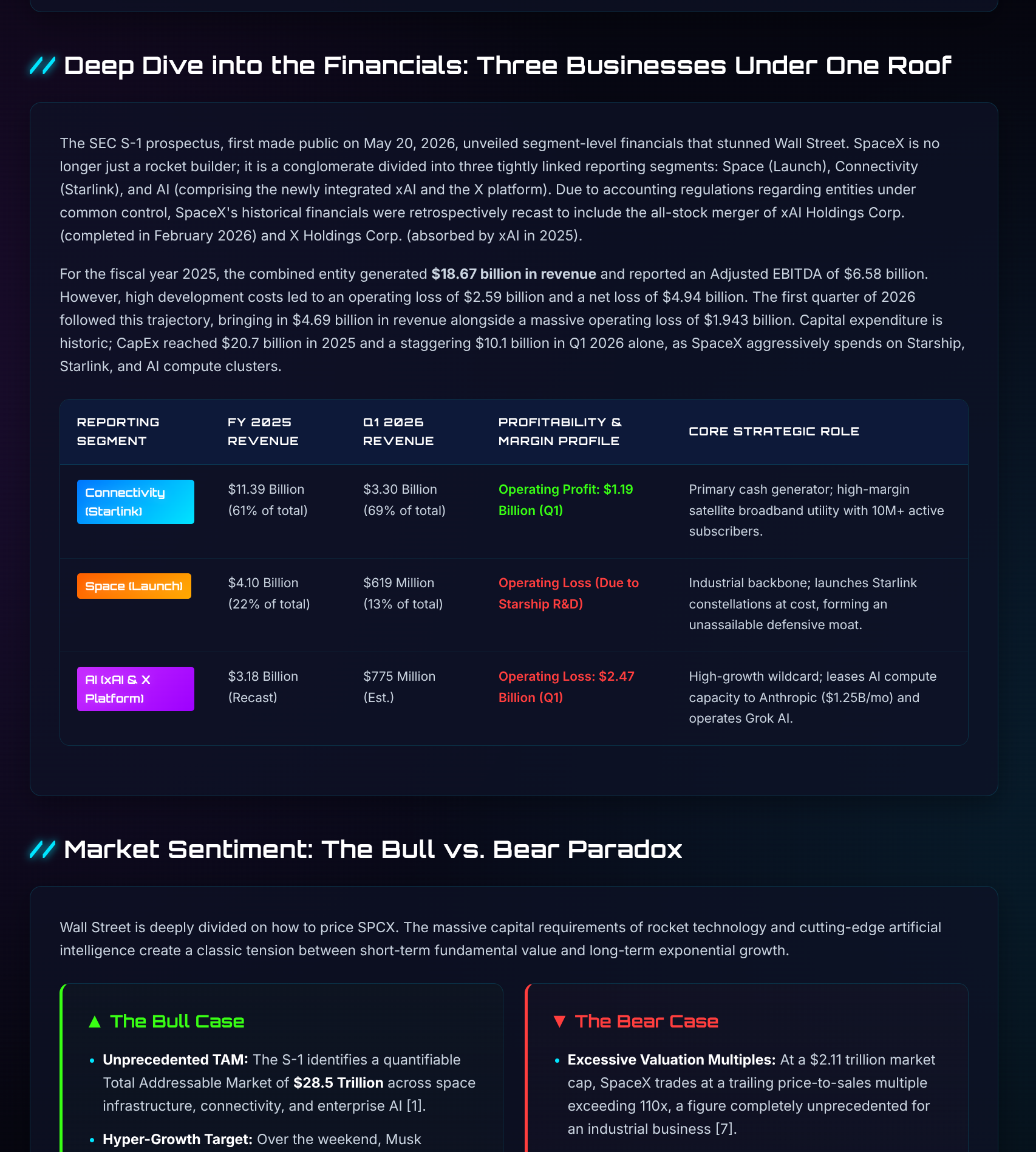
Our agent acts as a SpaceX IPO Analyzer. In the first turn, it researches the SpaceX IPO and generates a Markdown report. In the second turn, it re-attaches to the same container, reads the Markdown report, converts it into a styled HTML dashboard (with custom CSS), and generates a space-themed image asset. Finally, in the third turn, it programmatically downloads the entire workspace container snapshot.
💡 Note: The Antigravity stateful features are accessed using the standard Google GenAI Python SDK by calling the preview agent model (
antigravity-preview-05-2026) withenvironment="remote".
Here is the complete python script:
| |
Let’s unpack what just happened in this code:
- Spin up: Investigation. Google creates a docker container on a Ubuntu machine somewhere, and this instance with REAL disk starts doing some research on SpaceX IPO.
- Continuation: format Conversion. Convert MD to HTML. This is silly - we could have done an HTML in iteration 1 of course - but it serves the purpose to demonstrate you can park your calculation today and come back tomorrow and continue the session and iterate over it, maybe with a chat over Telegram ;)
- Pull results locally This is the magical part:
git pull remote-workspace. This is where we know it’s REAL. There’s a real workspace
there, maybe with some remote github repo pulled and some added Unit Tests. In our case, it containsspacex-report.md(created in turn 1),index.htmlandnanobanana.jpg(The space-themed HTML dashboard created in Turn 2), finally a CSS to make all very nice and space-themed.
This is what I see opening index.html with my browser:
Experiment 2: watch me coding (pun intended!)
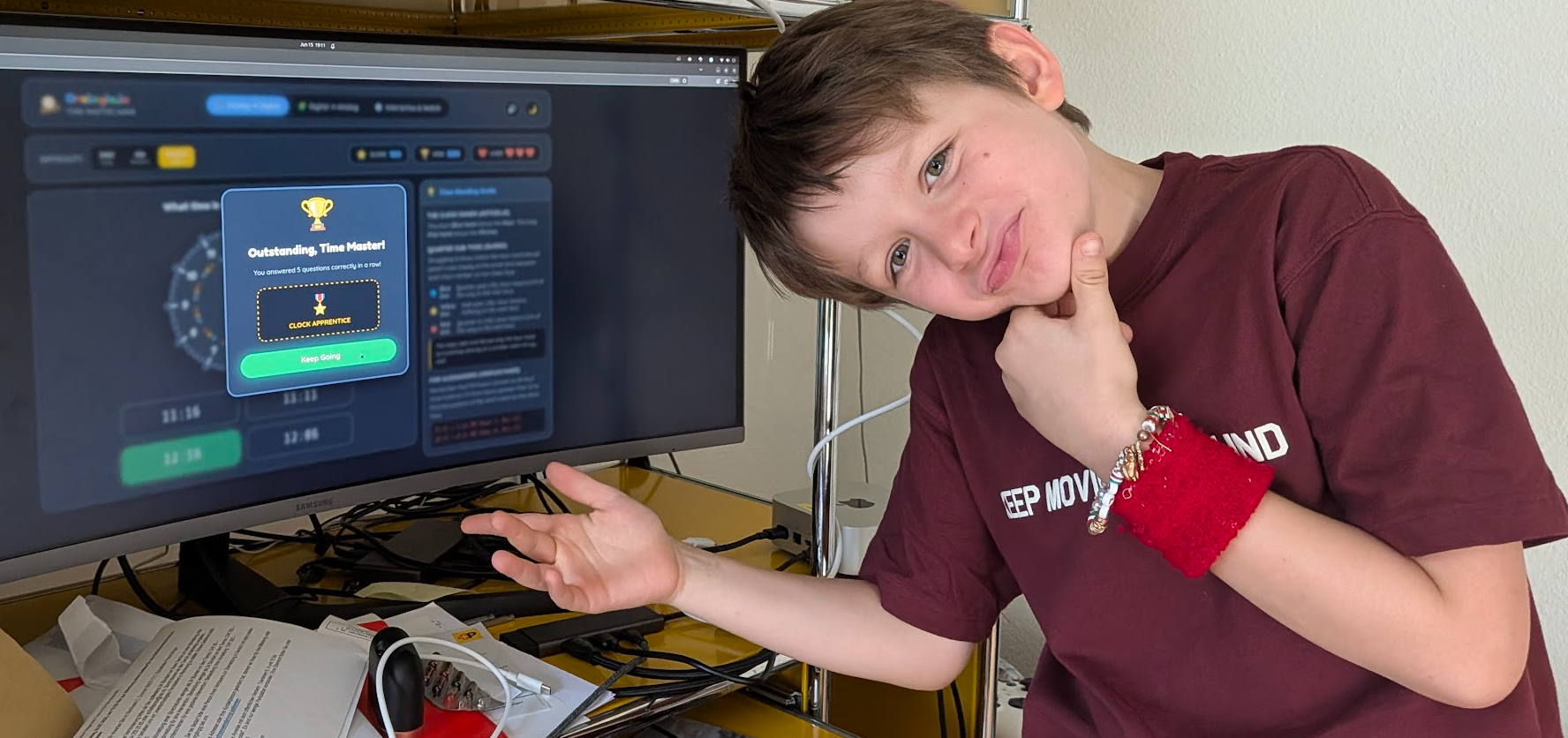
My son is great at Math. Nearly as good as papino. However, he struggles with watches.
After watching Heroes, I’ve always been a bit wary of watchmakers (especially 🎥 Sylar
). But recently, I spent a whole day helping my 8-year-old son struggle to map an analog clock pointing at 19:45 to its digital string representation. It was frustrating because he is actually fantastic at math—once he can work with digital time strings, he can calculate time differences like 08:45 +/- 20 minutes in seconds. The blocker was entirely visual.
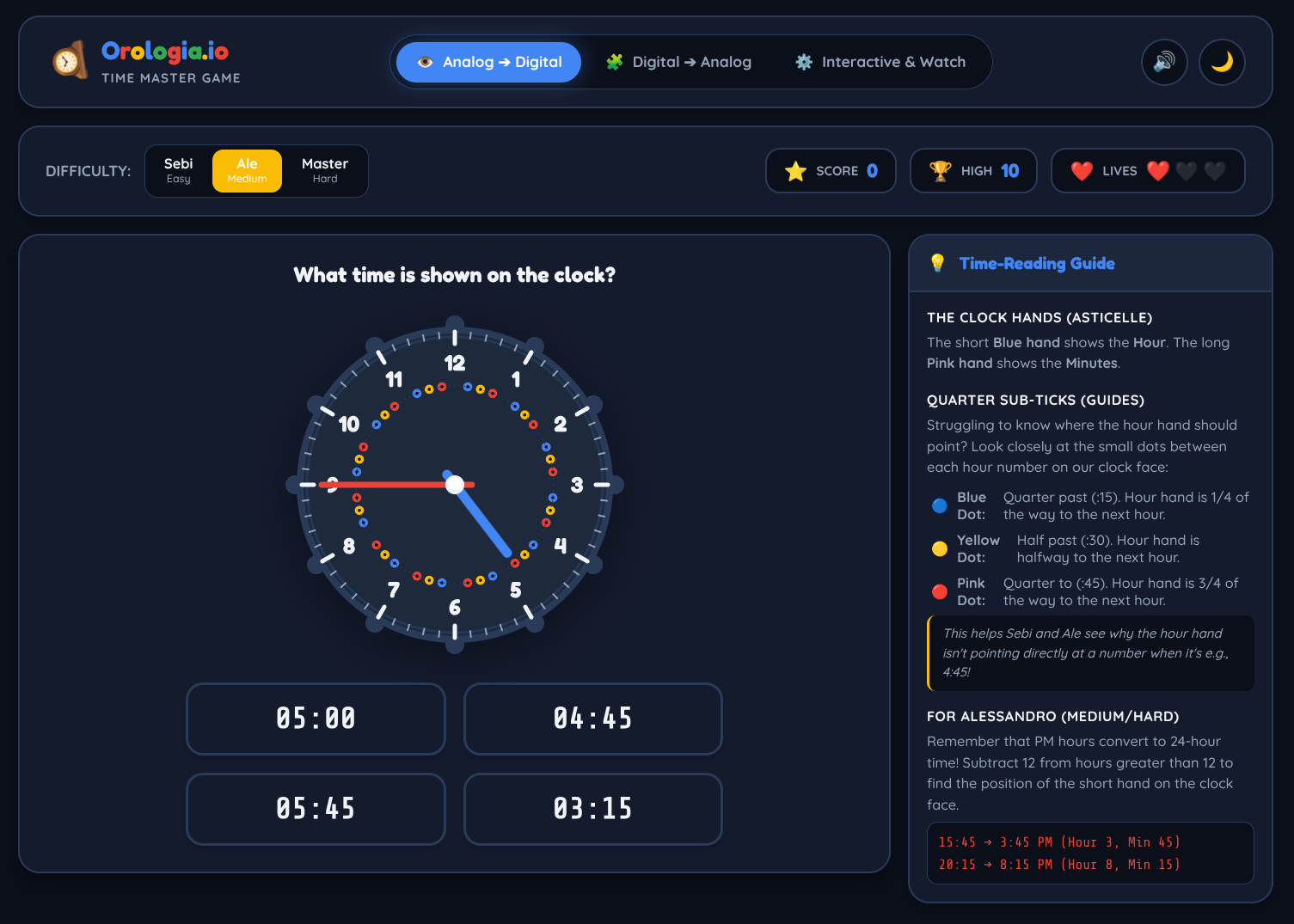
So, I decided to build a game to help kids bridge this gap. The goal was to build orologia.io—a cross-platform mobile game built in Flutter.
This is because we travel a lot, and I need apps working on my Android on a plane.
A catchy name, that’s the easy part! orologia.io
Here is how we used a single stateful agent script to build the initial prototype. We passed a detailed multi-step prompt to the agent — asking it to read docs/PRD.md, implement the game, run a local server, take a screenshot, and file a GitHub PR.
Here is the core logic we used to run this stateful agent loop. It uses the google-genai SDK to provision the remote sandbox, mounts the orologia.io git repository, and downloads/extracts the final workspace snapshot.
Here is the core API setup, repository mounting, and snapshot download sequence (complete run-agent-prototype.py script here ):
| |
Rather than jumping straight into a complex Flutter mobile app, we had the agent create a rapid “vibe-coded” prototype in plain HTML, CSS, and JavaScript. By describing the clock mechanics and visual feedback loop in a single turn, the agent generated a responsive clock app in one minute.
- Vibe-Coded Prototype Code: solutions/20260615-antigravity-managed-agents/
- Clock UI Draft: The agent designed interactive options, matching analog times to multiple digital buttons (you can view early drafts like orologia_ui_one_clock_four_bcds.png ).
- You can play the final game yourself here: palladius.github.io/orologia.io

You can play the game under https://palladius.github.io/orologia.io/ !
This proved the value of single-agent rapid prototyping. But what happens when you try to scale past a single prototype and orchestrate multiple subagents concurrently to implement the full-blown cross-platform Flutter mobile game?
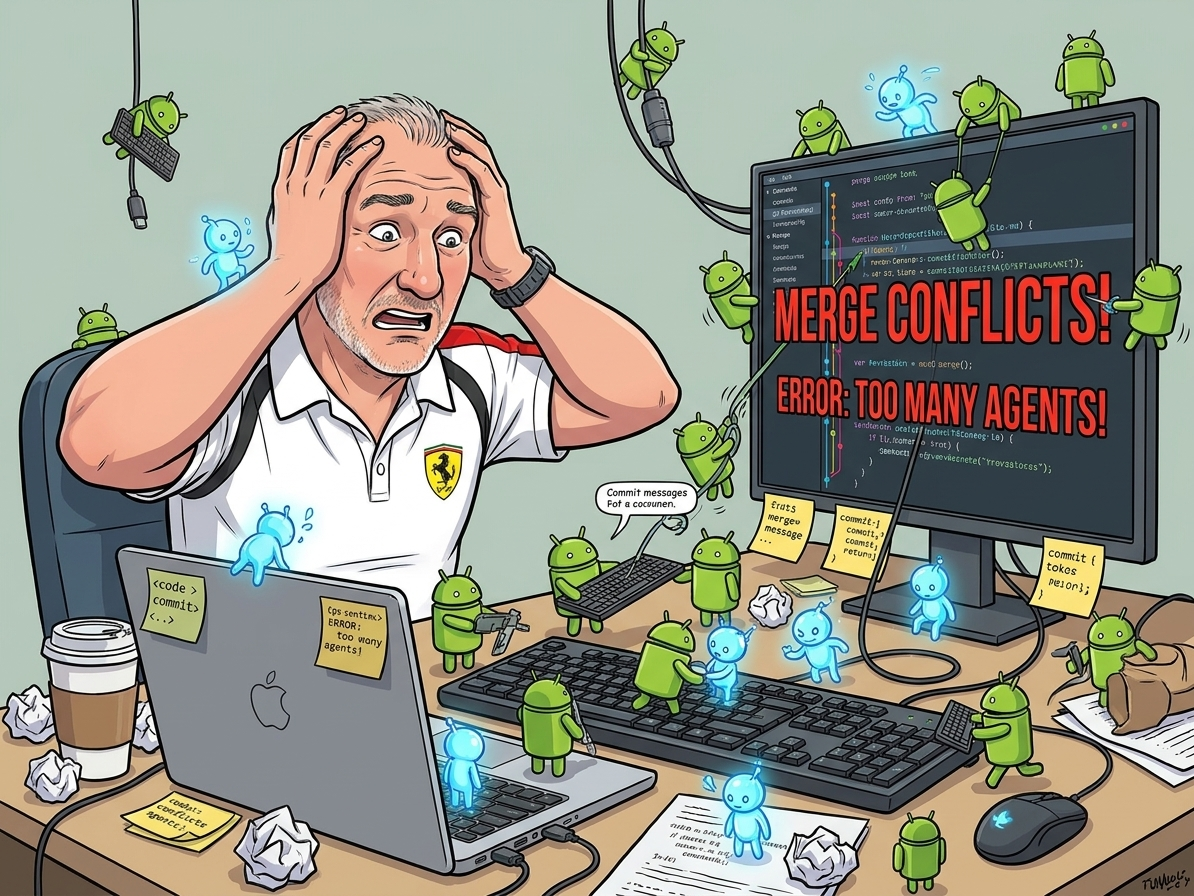
This is where I hit the wall and resolved to invent a Worktree + Conductor Carlessian-customized workflow…. but this is for another article… 🚀 🪨 Orchestrating with Antigravity: A Crescendo of Agents (Part 2)
What are these Remote Agents good for?
So the big question is: What are these Remote Agents good for?
You could argue that everything is more comfortable in localhost,
but I see this as a pioneering of the “agents Dockerfiles” where you start playing with something locally, then a piece at a time you
start building your own “agent container” with bin/custom-script and .gemini/my-smart-config and maybe a gcloud ServiceAccount sa.json and
boom! You have a repeatable, secure, self-contained sendbox where you can interact with the Internet with the power of Gemini! Remember, git clone and API_KEYS are a powerfule combination!
My personal Key Takeaways:
- Do NOT use for a one-off investigation. Use Web or local CLI instead, it’s much faster.
- Use for repeatable workflows where the config takes a lot more than the final prompt. In other words, anything where you have 5 prompts of which 1-2-3-4 are the same, and 5 always changes. This is IMHO the sweet spot where these excel.
- Try
Gemini API CLIexcellently explained in Philip’s article .
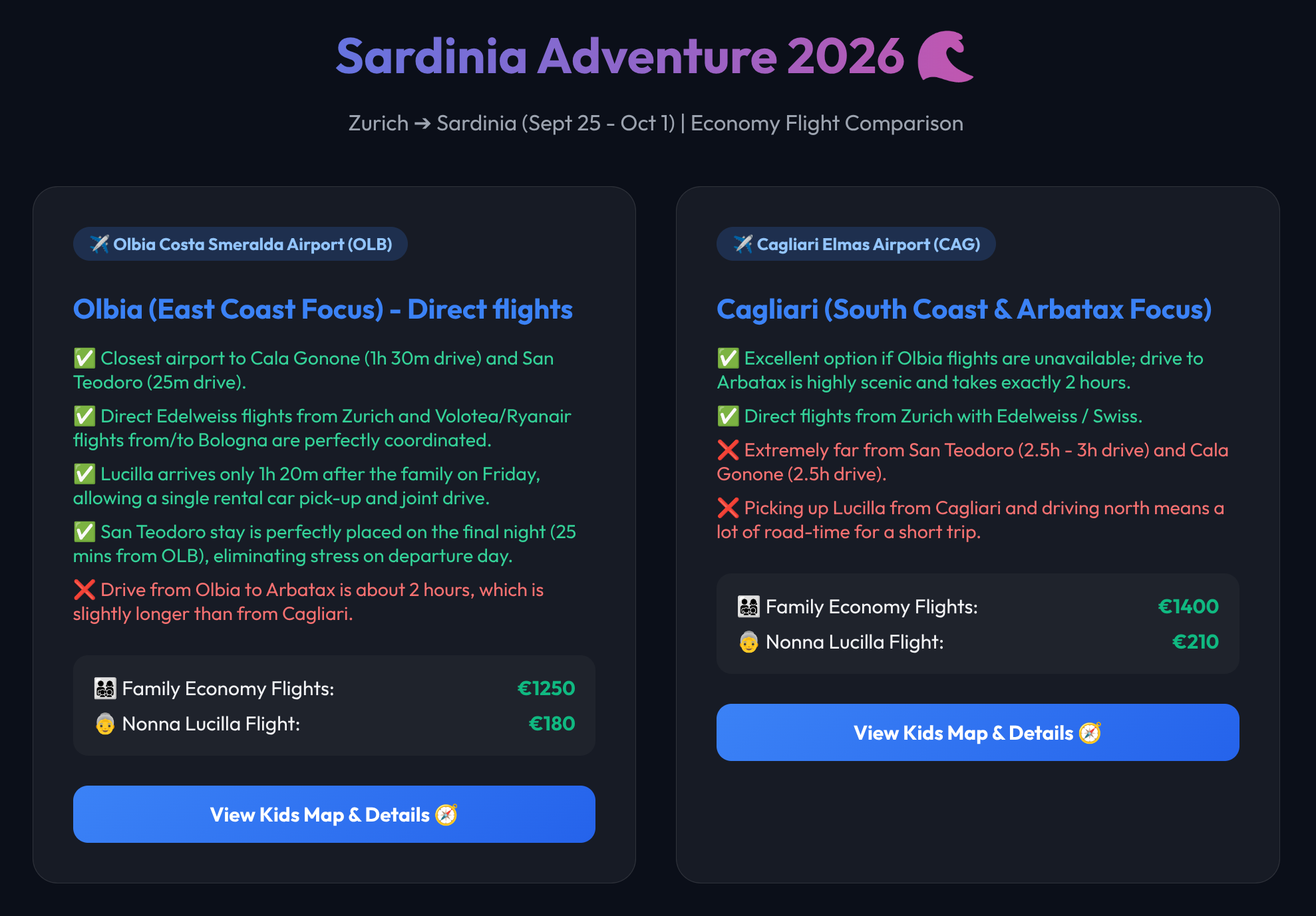
Example: I’m currently working on containerizing a travel planner for my family where I just say the trip I want to plan, when and the constraints. Yes, it feels like a fine-tuned model, but fully FS observable/tweakable, so I can download the index.html later on!
🚀 Ready for Part 2? Read 🪨 Orchestrating with Antigravity: A Crescendo of Agents (Part 2) to see how we scale this local development flow using git worktrees, Conductor++, and parallel subagents under Agostina.
Read this article on Medium: https://medium.com/@palladiusbonton/orchestrating-with-antigravity-a-crescendo-of-agents-part-1-b708b132b8a9 .